

.png)

Required display element. Must be accessible within one click of the listening experience and visible for at least 5 seconds at the start of each new song. Works well in a compact player bar paired with the song title.
In-app music UX built to perform
When product teams integrate Feed Radio, they're shaping how music looks, feels, and performs inside their app. Done right, it becomes a lever for session time, retention, and brand association.

.png)

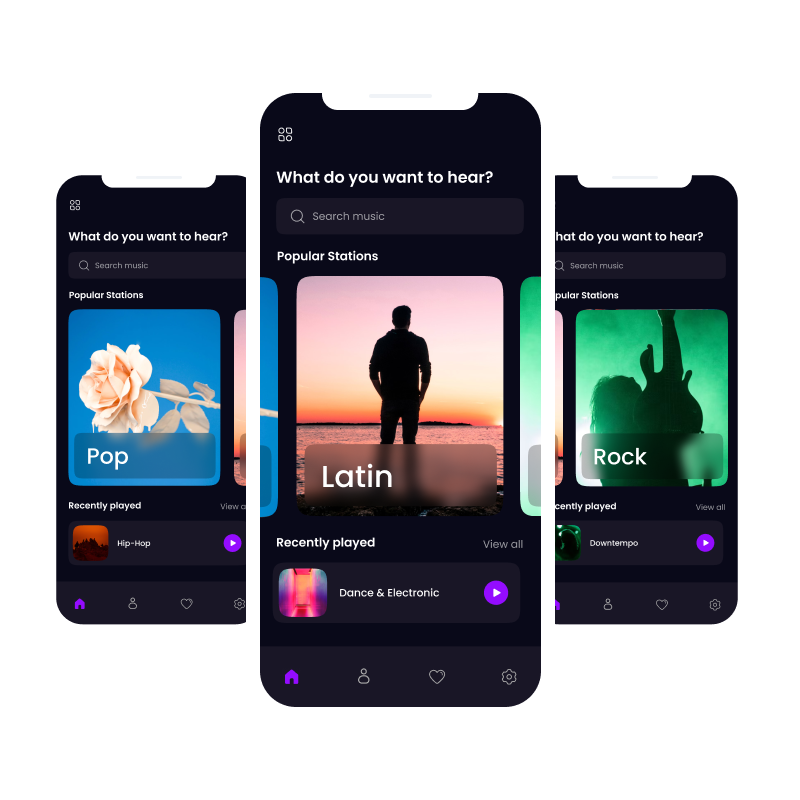
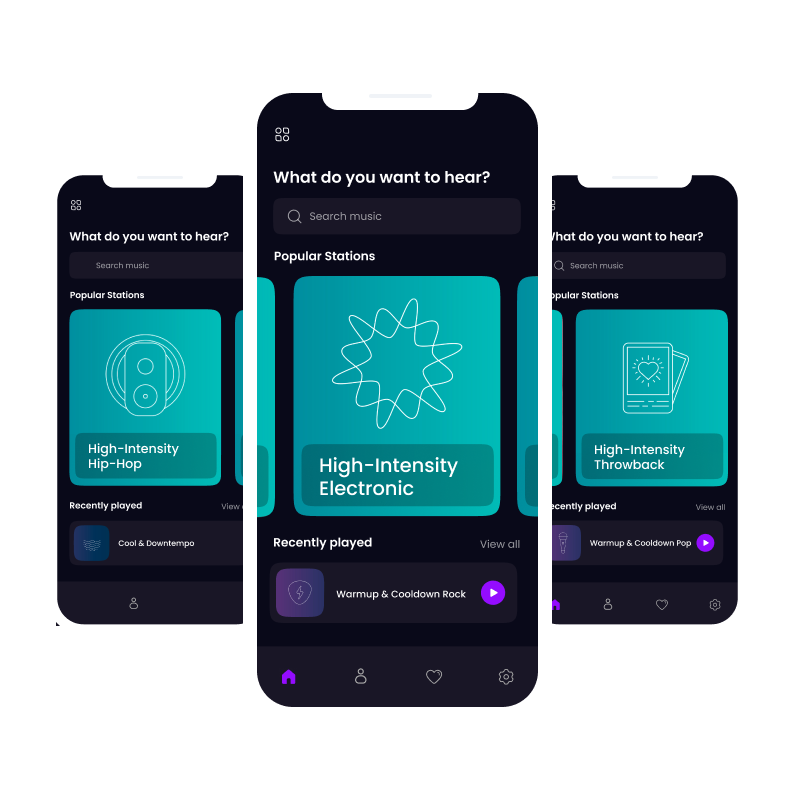
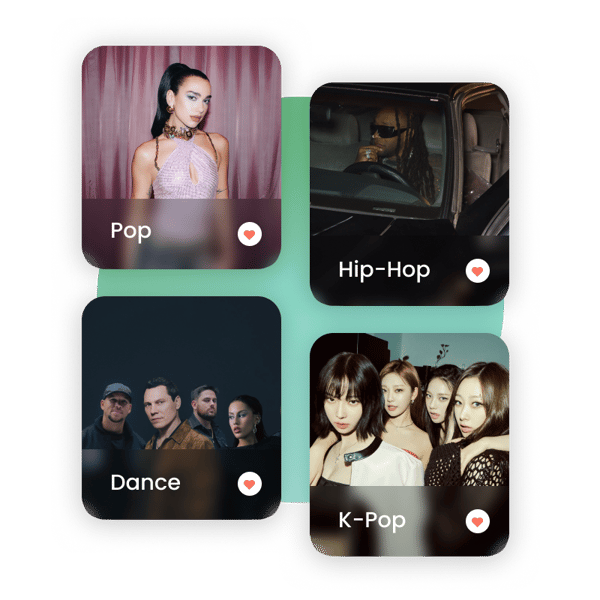
Let users choose their sound with a music menu
A music menu can be as simple as a list of stations or a fully browsable experience by genre, energy, or era. You can prompt users to choose when they enter an experience, or set a default station and let them change it on their own. For more immersive apps, browsing by category or mood works well.
Keep in mind that station availability may vary by geography or product tier, so design your menu to account for those differences. Always retrieve station metadata via the SDK rather than storing it on your own servers.
Dual-stream controls
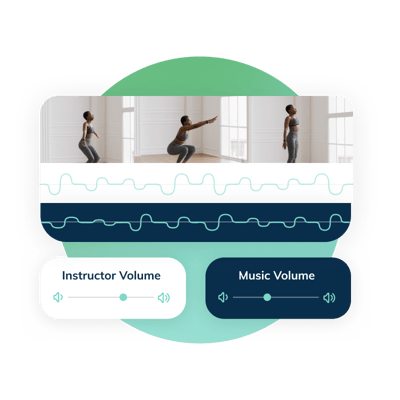
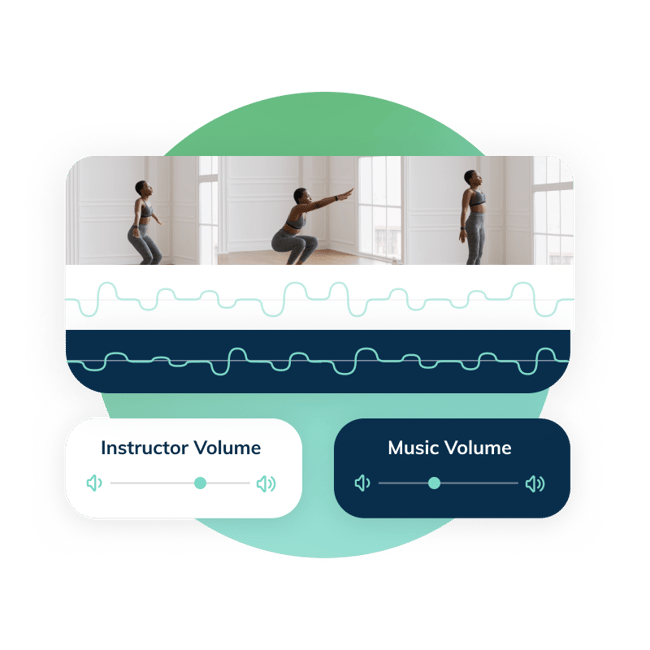
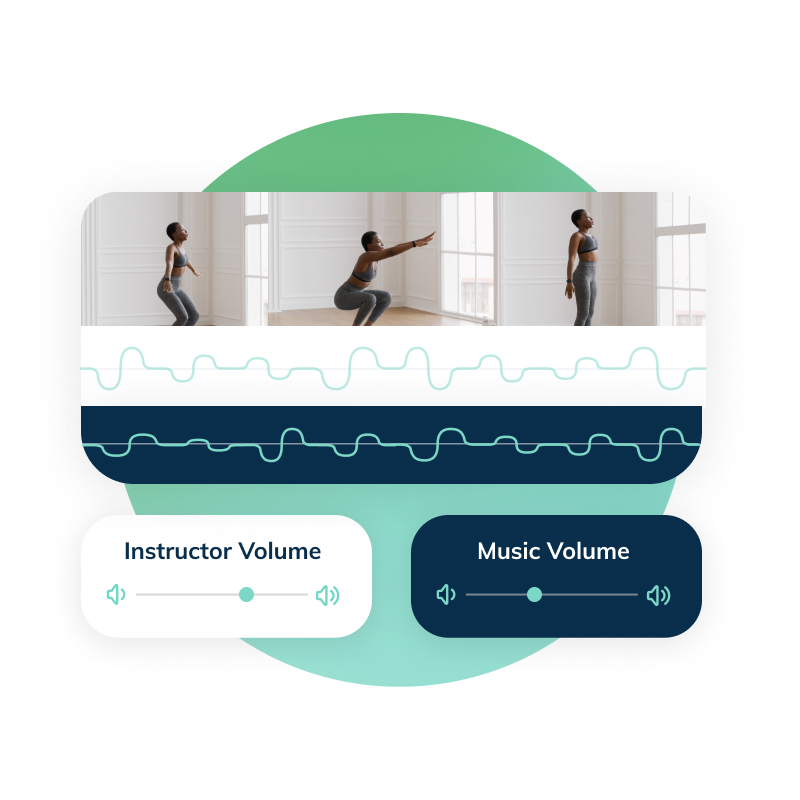
Feed.fm runs music on its own audio stream alongside your video or narration. No file editing or manual audio mixing required. Users get distinct volume controls for both, so they can find the right instructor-to-music balance for their own style. Music should also pause when your video pauses. It is a small detail, but one that adds real polish and makes the two streams feel cohesive. The SDK supports iOS, Android, React Native, and JavaScript.
CITYROW
Dual volume as a product differentiator
CITYROW made independent volume controls for music and instructor audio one of their product's signature features. Users can dial in exactly how much of each they want, and it became the most talked-about feature among their members.
Behind the feature users love most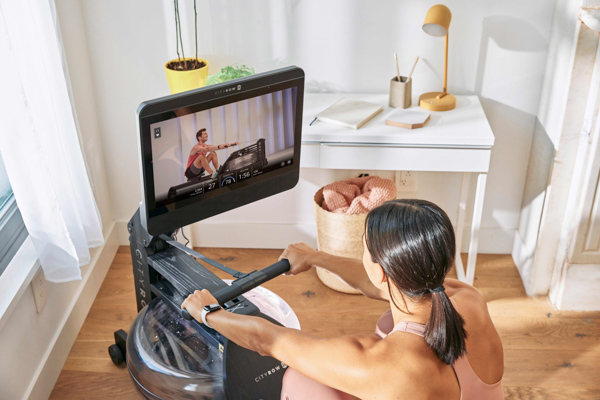
Designing your trainer's sound

Trainer-inspired
Instructors share favorite artists, genres, moods, or a handful of songs. Feed.fm’s curation team builds the station, refines it, and brings it back for final review and sign off.

Trainer-curated
Instructors provide a playlist that represents their sound. Feed.fm’s curation team fine-tunes it for flow, brand alignment, and long-term performance.
Schedule a strategy call
Let’s build your first trainer station. Talk to a music specialist to learn more.

Custom Stations
Collaboratively built with Feed.fm’s curation team for high-touch, brand-aligned programming.
Signature Stations
Customer-directed shuffle radio with ongoing flexibility to add or remove tracks.

First Play Stations
Intentional, workout-specific music experiences designed for structured sessions.
Replay Stations
Sequenced playlists built for repeatable, global distribution.
Content soundtracks
Music mixes that stream alongside digital video content.
 Menu access
Drive engagement through music by allowing user choice.
Pre-curated music packages
The fastest way to make a wide range of stations available to your clients. We've launched thousands of stations and analyzed the data to craft these pre-curated collections, which feature the top genres and mixes to match the demands of today’s listeners.
Royalty-free music subscription
Subscribe and get unlimited access to the Feed Originals catalog.
Download songs to use anywhere with a royalty-free license including worldwide, all media rights in perpetuity.
Download songs to use anywhere with a royalty-free license including worldwide, all media rights in perpetuity.
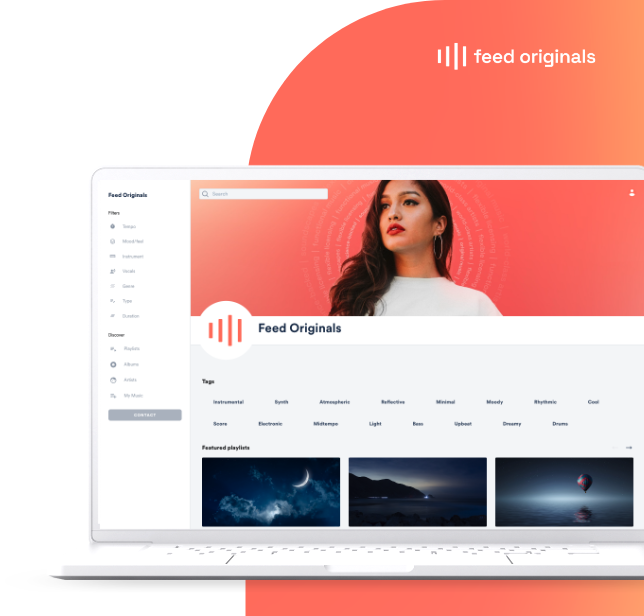
Content soundtracks
Music mixes that stream alongside digital video content.
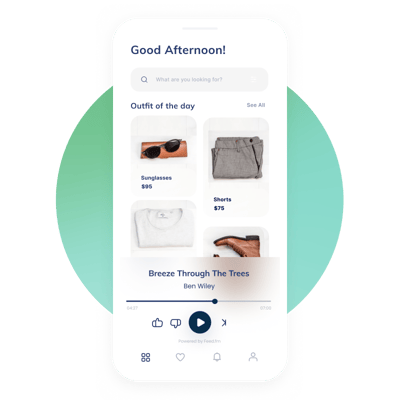 Plug-and-play interface
Get a pre-built music player via fully customizable music SDKs
Pre-curated music packages
The fastest way to make a wide range of stations available to your clients. We've launched thousands of stations and analyzed the data to craft these pre-curated collections, which feature the top genres and mixes to match the demands of today’s listeners.
Royalty-free music subscription
Subscribe and get unlimited access to the Feed Originals catalog.
Download songs to use anywhere with a royalty-free license including worldwide, all media rights in perpetuity.
Download songs to use anywhere with a royalty-free license including worldwide, all media rights in perpetuity.
How trainers shape their sound
Trainer-inspired stations start with a conversation. Instructors share favorite artists, genres, moods, or a few reference tracks. Feed.fm's curation team builds a fully licensed station from scratch, refines it with listener data, and brings it back for sign off.
Trainer-curated stations start with a playlist. Instructors provide tracks that represent their sound and Feed.fm fine-tunes it for flow, energy arc, and brand alignment while managing licensing and ongoing optimization. The trainer stays hands-on, the complexity stays with us.
.png?width=800&height=800&name=Trainer-curated%20(1).png)
"Music is a core pillar of NKO Club. It's a huge part of how my community and I have established our connection, whether through 2000s throwback mixes, mental-health themed rides, intense metal, EDM, or even pop-punk to help them get through a tough class . . . I’m proud of how seamless it has been working with Feed.fm as we navigate creating the best experience for NKO Club members alongside the ever-changing world of music."
Kendall Toole, Founder and CEO of NKO Club™
“It was great to be able to add some of our coaches personal flair to our music selection. It gave us a chance to highlight them while giving the users a special gift too.”
- Clarence Hairston-Bellotti, Director of Content Operations, Tempo
Robust music players
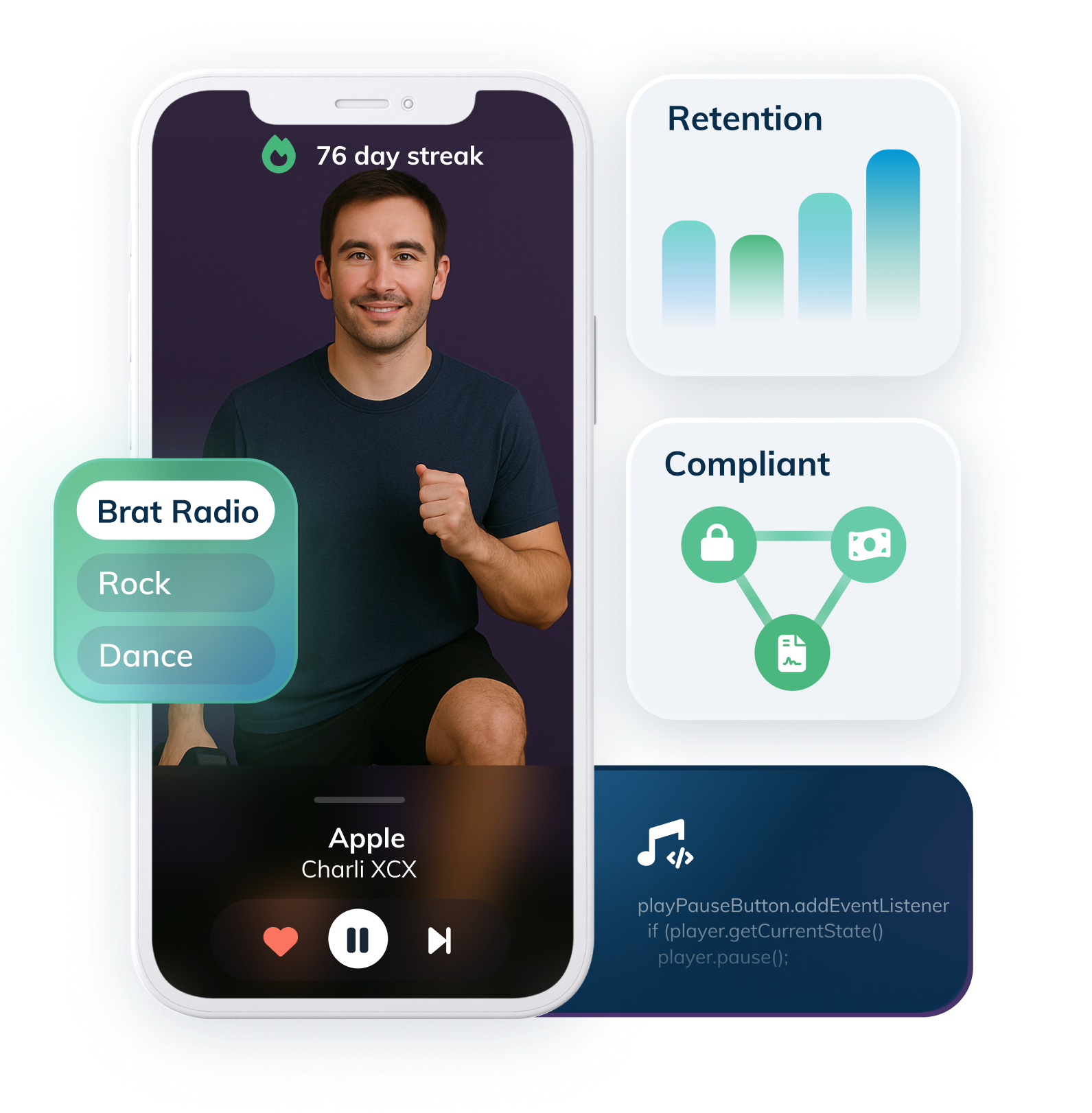
Save development and production time with Feed.fm's pre-built music players and fully customizable music SDKs, which feature intuitive controls like play, pause, skip, like, dislike, and volume adjustments.
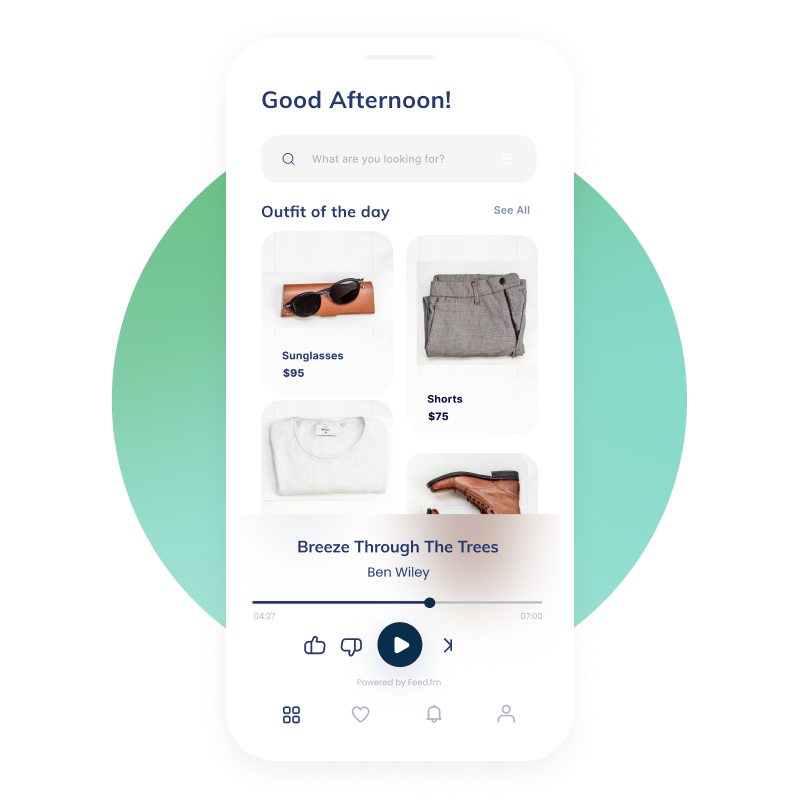
Dual-stream integration
With dual-stream technology, there's no need to download a file or edit it into your video, our plug-and-play SDKs handle it all.
Users can adjust the EQ to balance music and content volume independently, achieving the perfect audio mix for every moment.
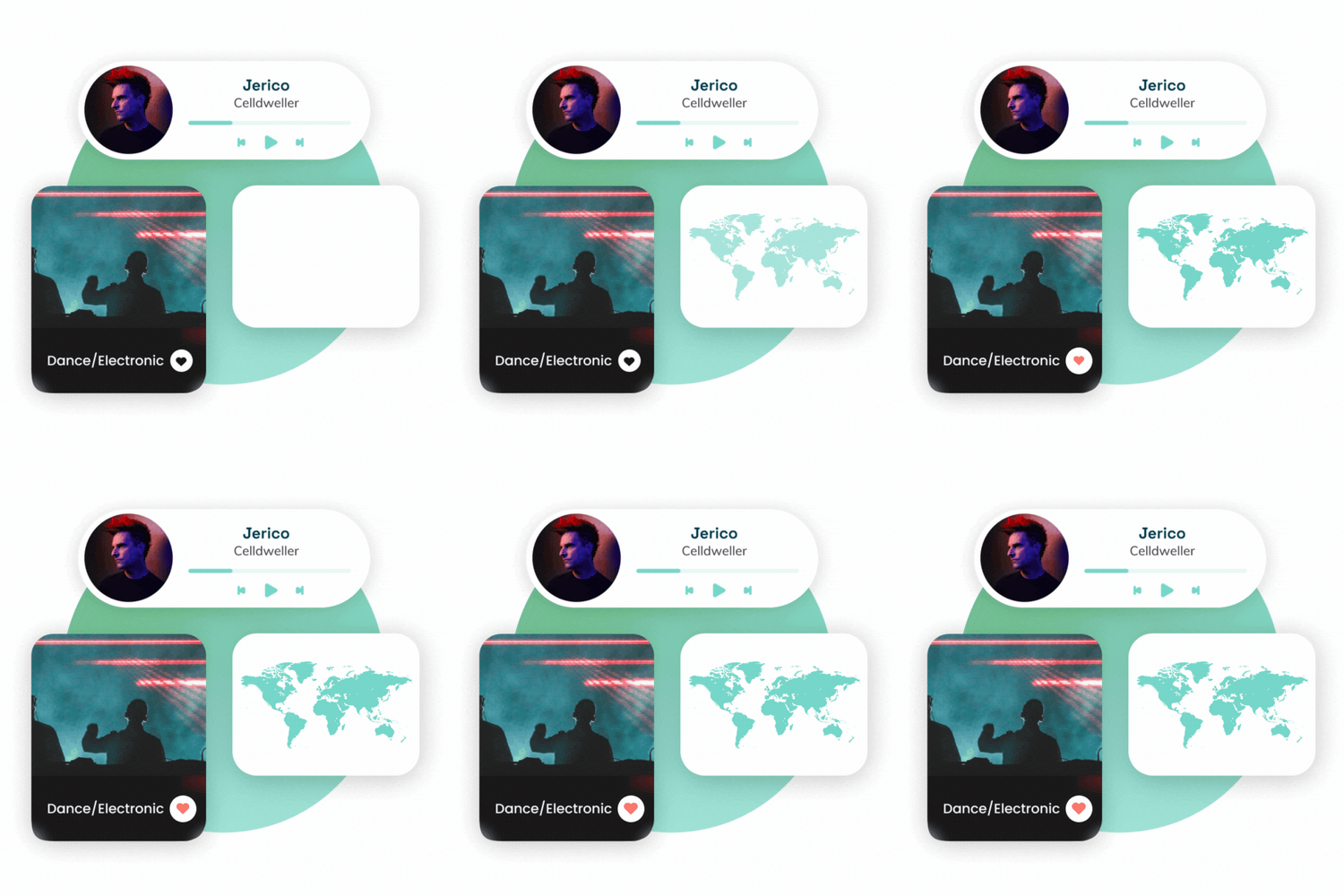
Indie-label music stations
Julia's version testing with 500x500
As streaming continues to provide platforms for indie-music to gain popularity, we're excited to help you pair these up-and-coming artists and top indie tracks with your content.
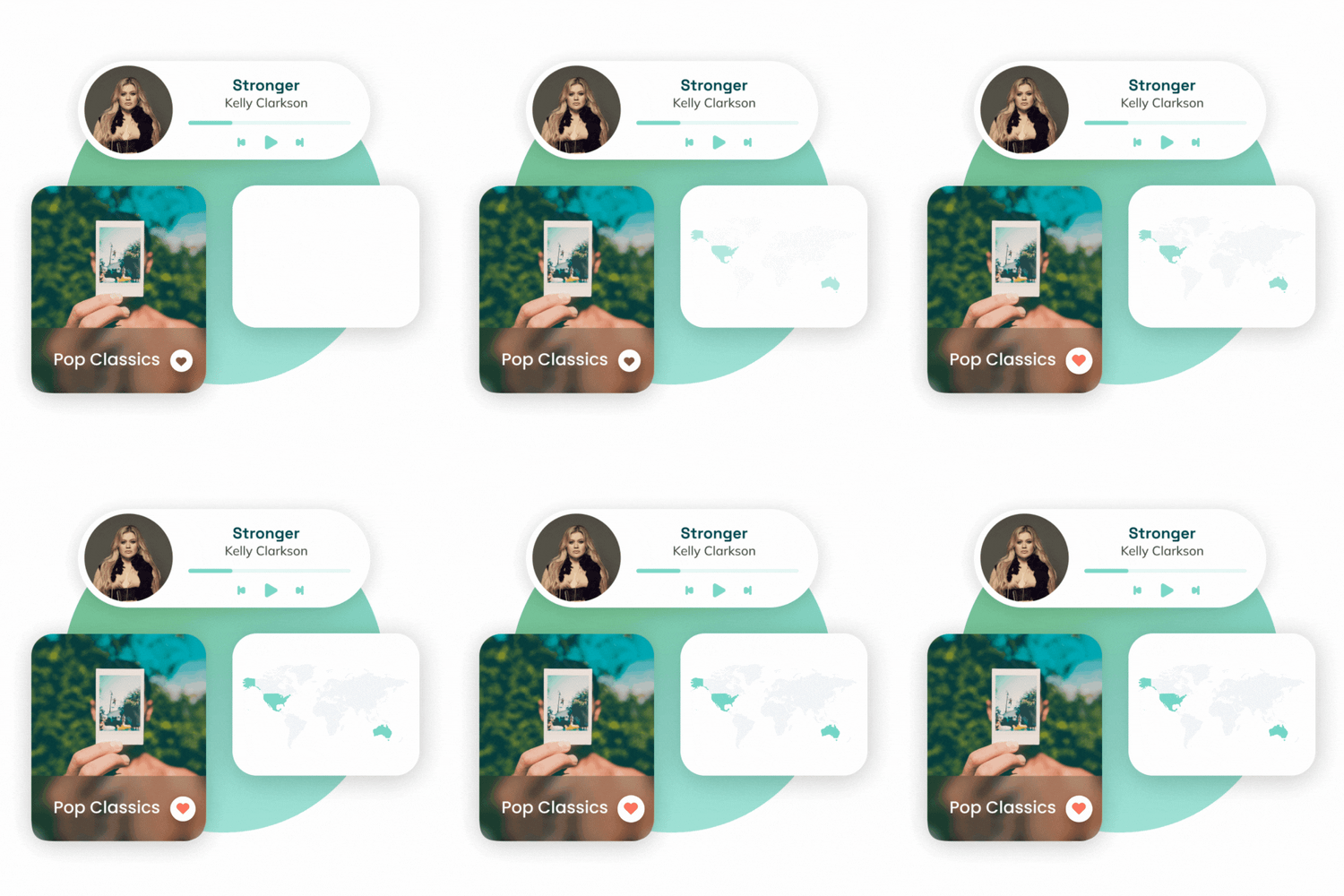
Indie-label music stations
Julia's version testing with 500x500
As streaming continues to provide platforms for indie-music to gain popularity, we're excited to help you pair these up-and-coming artists and top indie tracks with your content.
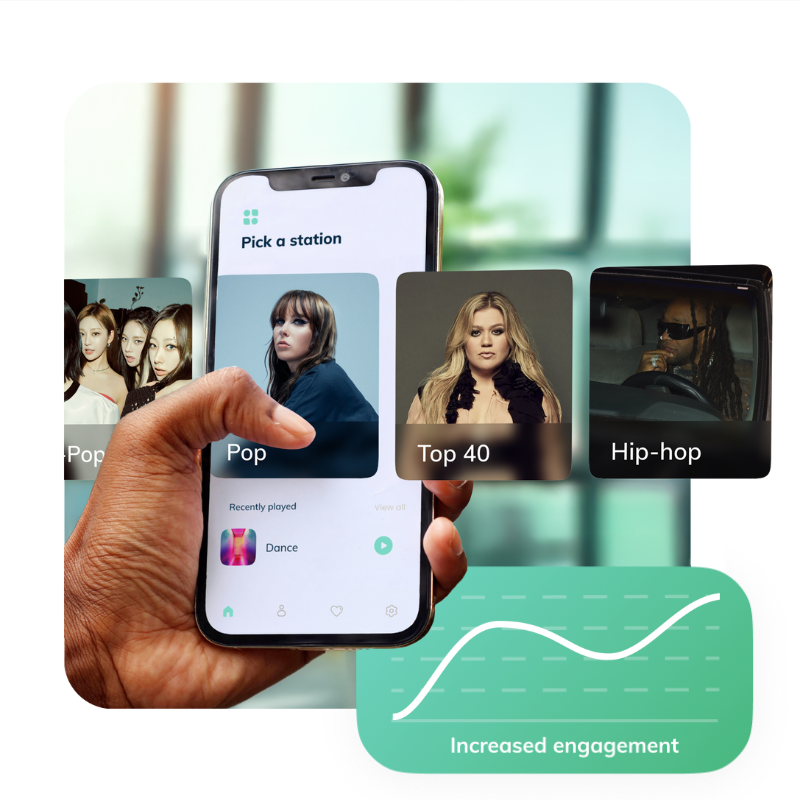
Choice drives higher engagement
The Feed.fm SDKs make it easy to empower users to choose from a selection of stations in your app's UX. Feed.fm customers see increased engagement when they implement a music menu:
- 44% more session time
- 35% more sessions per user

.png?width=966&height=524&name=Competitive%20matrix%20blog%20header%20(966x524).png)